“How much does an app cost?” is the question we hear most — and the honest first answer is always another question: what does the app need to do?
A simple booking app and a ride-hailing platform are both “Android apps”. One takes a few weeks; the other takes a team many months.
This guide breaks down Android app costs in 2026 so you can budget with confidence before you talk to anyone.
The Short Answer
Typical prices from Indian studios in 2026:
| App type | Examples | Typical cost (India) | Typical cost (USD) | Timeline |
|---|---|---|---|---|
| Simple | Business app, catalogue, booking, forms | ₹40,000 – ₹1,00,000 | $1,000 – $2,500 | 4–6 weeks |
| Medium | E-commerce, service marketplace, school app | ₹1,00,000 – ₹3,00,000 | $2,500 – $7,000 | 2–4 months |
| Complex | Real-time tracking, chat, video, fintech | ₹3,00,000+ | $7,000+ | 4 months+ |
These ranges assume a backend and an admin panel are included. An app on its own, with nothing behind it, is rarely useful.
What Drives the Cost
Screens and user flows
Every screen needs design, development and testing. A 10-screen app costs a lot less than a 40-screen one. Listing every screen before you ask for quotes is the single best way to get accurate prices.
The backend
Most apps need somewhere to store users, orders and content:
- Firebase — Google’s ready-made backend for logins, databases, storage and notifications. Fast to build on and cheap at small scale.
- A custom API (for example Node.js and MongoDB) — more flexible, better for complex business logic or when a website and app share the same data.
The admin panel
Someone has to manage users, bookings and content. A simple web admin panel is usually part of the project — budget for it from the start.
Integrations
Payments (Razorpay, Stripe, UPI), maps and location, chat, SMS and WhatsApp, and third-party APIs each add time.
Design
A clean Material Design interface is quicker than a fully custom, illustration-heavy look. Both are valid; just know which one you’re paying for.
Testing on real devices
Android runs on thousands of phone models. Testing on a range of screen sizes and budget devices is essential — especially in markets where low-cost phones dominate.
Java, Kotlin or Cross-Platform?
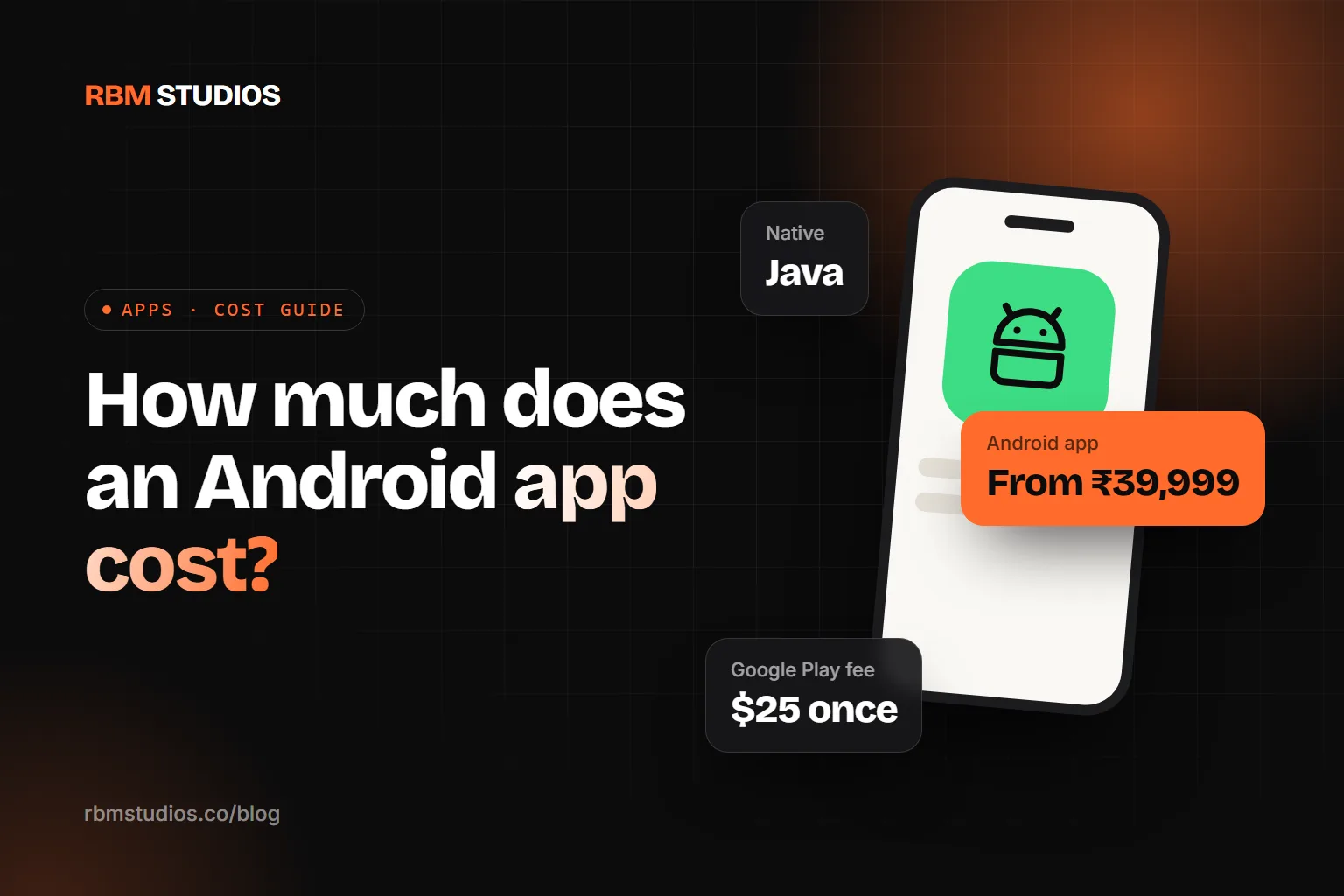
Java has been an official Android language since the very beginning. It’s mature, extremely well documented and fully supported by Google. Native Java apps run smoothly on budget phones and any Android developer can maintain them.
Kotlin has been Google’s preferred language for new Android development since 2019. It’s more concise than Java, and Java and Kotlin can live side by side in the same app.
Cross-platform frameworks like React Native and Flutter build Android and iOS apps from one codebase. They’re the most cost-effective way to cover both stores.
Our rule of thumb:
- Android-only audience, tight budget, lots of budget phones → a native Android app (we build these in Java or Kotlin).
- You need iPhone users from day one → cross-platform with React Native.
- Heavy hardware or OS integration → native.
Google Play Costs
- Developer account: a one-time registration fee of $25, paid to Google.
- Service fee on digital sales: if you sell digital goods or subscriptions inside the app, Google takes a service fee — at the time of writing, 15% on the first $1 million of a developer’s annual earnings for most developers. Always check Google’s current policy.
- Physical goods and services (food delivery, home services, product orders) are paid through your own payment gateway, such as Razorpay or Stripe, without Google’s service fee.
Running Costs After Launch
- Hosting and backend — Firebase’s free tier covers many small apps; costs grow with users.
- Updates — Google regularly requires apps to target recent Android versions to stay listed. Plan for at least one update cycle a year.
- Bug fixes and new features — real users always find things you didn’t expect.
- Marketing — app store optimisation, a landing page and ads. A great app nobody downloads is still a failed app.
Budget roughly 15–20% of the build cost per year for maintenance.
How to Reduce the Cost
- Launch an MVP. Build the core feature that solves the main problem — everything else can wait for version two.
- Start with Android. If most of your customers use Android, launch there first and add iOS when the idea is proven.
- Use Firebase for logins, notifications and storage instead of building them from scratch.
- Reuse your website’s backend if you already have one.
- Write the screen list yourself. Clear scope means fewer surprises and a fixed price.
What We Charge (November 2026)
- Starter Android App (Java or Kotlin): from ₹24,999 / $999 — a focused native app with basic API integration, navigation and testing.
- Business Android App: from ₹49,999 / $1,999 — logins, a backend and database, push notifications and admin features.
- Advanced Mobile App (Android & iOS): from ₹99,999 / $3,999 — complex APIs, dashboards, payments and an advanced backend.
- Web applications: from ₹39,999 / $1,499.
Final pricing depends on the app’s complexity, number of screens, integrations and backend requirements.
Every project gets a fixed, itemised quote after a free discovery call. See what’s included on our Android app development page.
The Bottom Line
A simple Android app with a backend and admin panel costs ₹40,000 to ₹1 lakh in India in 2026. Medium apps sit between ₹1 and ₹3 lakh, and complex ones go well beyond.
The best way to control the budget is to define the smallest version of your app that real users will love — then build that properly.
Tell us about your app idea and we’ll send you a screen list, timeline and fixed price within 24 hours.